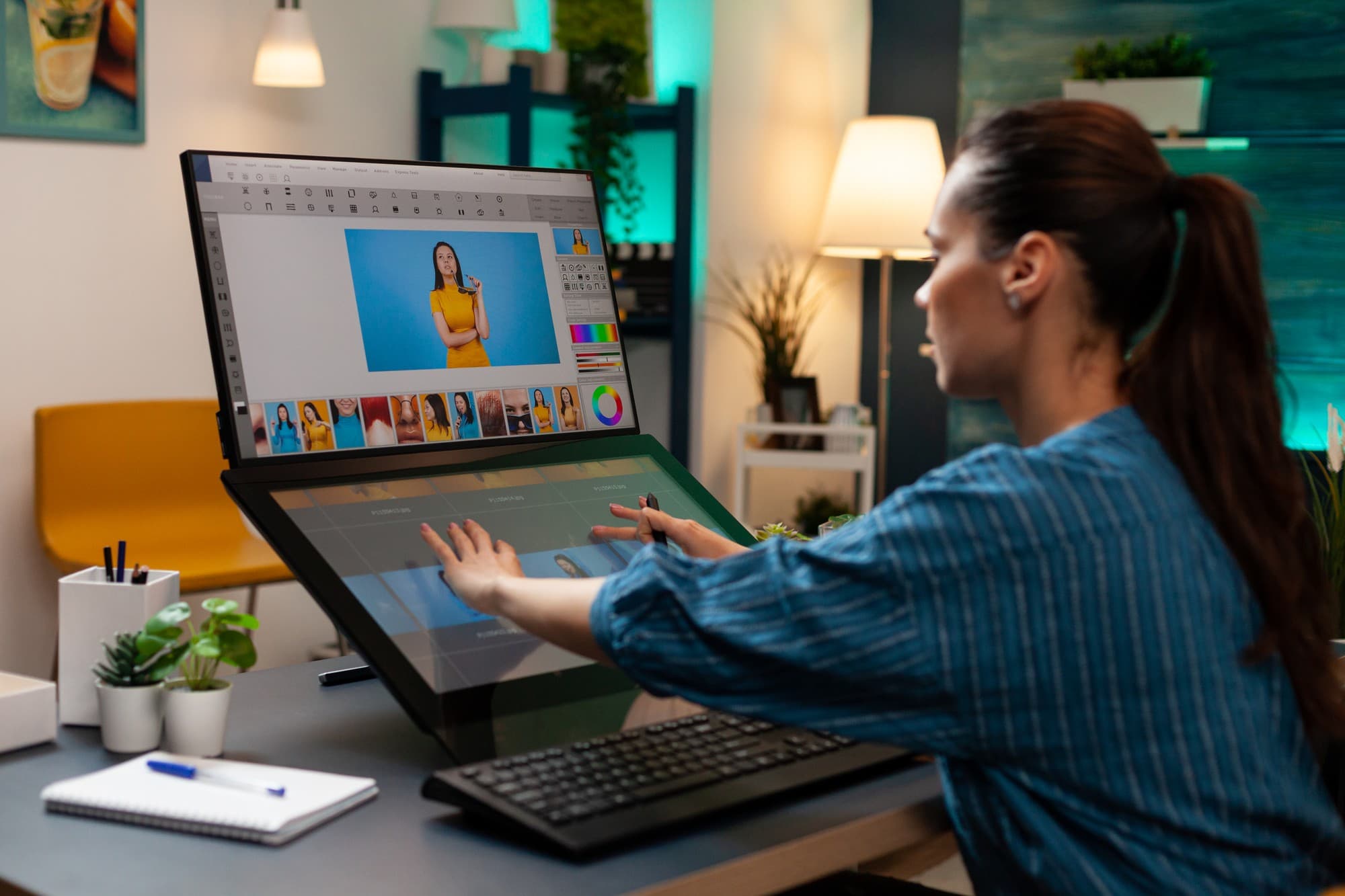
Streamlining Brand Design for Print and Digital Media

Creating and maintaining a cohesive brand design identity requires precision, consistency, and professional-quality design. Modern design teams need tools that enable them to produce visually compelling materials efficiently while ensuring that brand standards are upheld across all channels. From print brochures to digital publications, having a streamlined design workflow is essential for maintaining consistency and meeting project deadlines.
This article explores how design teams can optimize their processes for print and digital media, highlighting best practices, key tools, and strategies that improve efficiency while delivering high-quality outputs. Adobe InDesign serves as a secondary tool that many teams leverage to ensure brand consistency and professional results.
Understanding Streamlined Brand Design
Streamlined brand design focuses on creating processes and workflows that allow teams to produce high-quality design assets efficiently. The goal is to reduce repetitive tasks, maintain visual consistency, and ensure that both print and digital materials align with the brand’s identity.
Professional design software, such as Adobe InDesign, supports these goals by offering advanced layout, typography, and asset management features. Teams can integrate templates, reusable components, and cloud-based collaboration tools to work faster without compromising quality. By centralizing assets and standardizing processes, designers can focus on creativity while ensuring consistency across all deliverables.
Key Components of Streamlined Brand Design
Layout Precision and Typography
Maintaining precise layouts and consistent typography is essential for a cohesive brand identity. Advanced design tools provide grid systems, alignment features, and style controls that ensure text and imagery are positioned accurately across multi-page documents. Using consistent fonts, paragraph styles, and text formatting reduces inconsistencies and enhances the professional appearance of materials. Adobe InDesign, in particular, allows teams to manage complex layouts with fine-tuned control over typography and spacing, ensuring that every piece aligns with brand standards.
Templates and Reusable Assets
Templates are fundamental to streamlining workflows for print and digital media. Standardized layouts for brochures, newsletters, or social media content save time and guarantee consistency. Reusable assets such as logos, icons, and graphics can be stored in shared libraries, making it easier for team members to access the correct versions without duplicating work. This approach minimizes errors and ensures that brand visuals remain consistent across projects.
Collaboration and Cloud Integration
Modern design projects often involve multiple team members working on different aspects of a campaign. Cloud-based collaboration tools allow teams to share assets, track changes, and provide feedback in real time. Adobe Creative Cloud integration enables designers to work with shared assets, ensuring that everyone is using the latest files and maintaining visual consistency. Centralized collaboration reduces workflow bottlenecks and accelerates project completion.
Print and Digital Optimization
Designing for multiple media requires careful attention to specifications and quality standards. For print materials, designers must manage color profiles, bleeds, and resolution to ensure accurate reproduction. Digital content, such as interactive PDFs or social media graphics, requires optimization for screen display and file size. By adopting a unified workflow that accounts for both print and digital requirements, teams can produce versatile assets that meet all distribution needs.
Benefits of Streamlined Brand Design
Enhanced Brand Consistency
Standardized workflows and reusable templates help teams maintain a consistent visual identity. Every piece of content, whether printed or digital, reflects the same brand elements, reinforcing recognition and trust among audiences. Adobe InDesign supports this consistency through master pages, styles, and linked assets.
Increased Efficiency
By automating repetitive tasks, using templates, and centralizing assets, design teams can reduce production time and focus on creative problem-solving. Streamlined workflows eliminate redundant work and ensure that high-quality outputs are produced faster and more reliably.
Improved Collaboration
Shared cloud environments and integrated asset management allow teams to collaborate seamlessly, regardless of location. Real-time feedback and version control reduce errors and miscommunication, ensuring projects stay on schedule and aligned with brand objectives.
Professional-Quality Outputs
Advanced tools for layout, typography, and print preparation enable teams to produce polished deliverables suitable for both physical and digital distribution. Whether designing brochures, product catalogs, or interactive PDFs, teams can maintain a professional standard across all outputs.
Best Practices for Efficient Brand Design
1. Develop Standard Templates Creating templates for recurring materials streamlines production and ensures consistency. Templates reduce setup time for each new project and allow teams to focus on creative content rather than formatting.
2. Use Style Guides and Asset Libraries Centralized style guides and asset libraries maintain uniform fonts, colors, and logos. By referencing these resources, designers ensure that all materials adhere to brand standards and reduce the risk of inconsistencies.
3. Optimize for Both Print and Digital Media Designers should consider resolution, color profiles, and file formats suitable for each medium. Preparing files correctly for print and digital platforms prevents quality issues and ensures that brand materials look professional in every context.
4. Leverage Cloud Collaboration Using cloud-based platforms for asset sharing and project management ensures all team members have access to the latest versions of files. Real-time updates and collaboration minimize errors and enhance efficiency.
5. Continuously Review and Refine Workflows Regularly analyzing workflows and identifying bottlenecks allows teams to optimize processes over time. Refining design practices ensures projects remain on schedule while maintaining quality and brand integrity.
How Adobe InDesign Supports Streamlined Workflows
While not the only tool for branding projects, Adobe InDesign plays a crucial role in managing complex layouts, typographic precision, and multi-page documents. Its features support workflow efficiency, professional-quality outputs, and integration with other design tools like Photoshop and Illustrator. Teams can leverage InDesign to:
Apply consistent styles and master layouts across multiple projects.
Manage print-ready materials with precise color and page settings.
Create interactive PDFs and digital publications for online distribution.
Integrate seamlessly with cloud services for collaborative design.
By using InDesign alongside other professional tools, teams can maintain control over both creative and operational aspects of design projects.
Conclusion
Streamlining brand design for print and digital media requires a combination of strategic workflows, advanced tools, and standardized processes. By leveraging templates, reusable assets, cloud collaboration, and professional design software, teams can produce consistent, high-quality materials while improving efficiency and collaboration.
Adobe InDesign serves as a valuable secondary tool in this workflow, providing layout precision, typographic control, and multi-page management that support both print and digital projects. When integrated into a comprehensive design strategy, InDesign helps creative teams maintain brand integrity, streamline production, and deliver professional-grade materials that resonate with audiences.
Effective brand design is not just about aesthetics. It’s about creating efficient, scalable workflows that enable teams to produce compelling, consistent, and high-quality content across every platform.